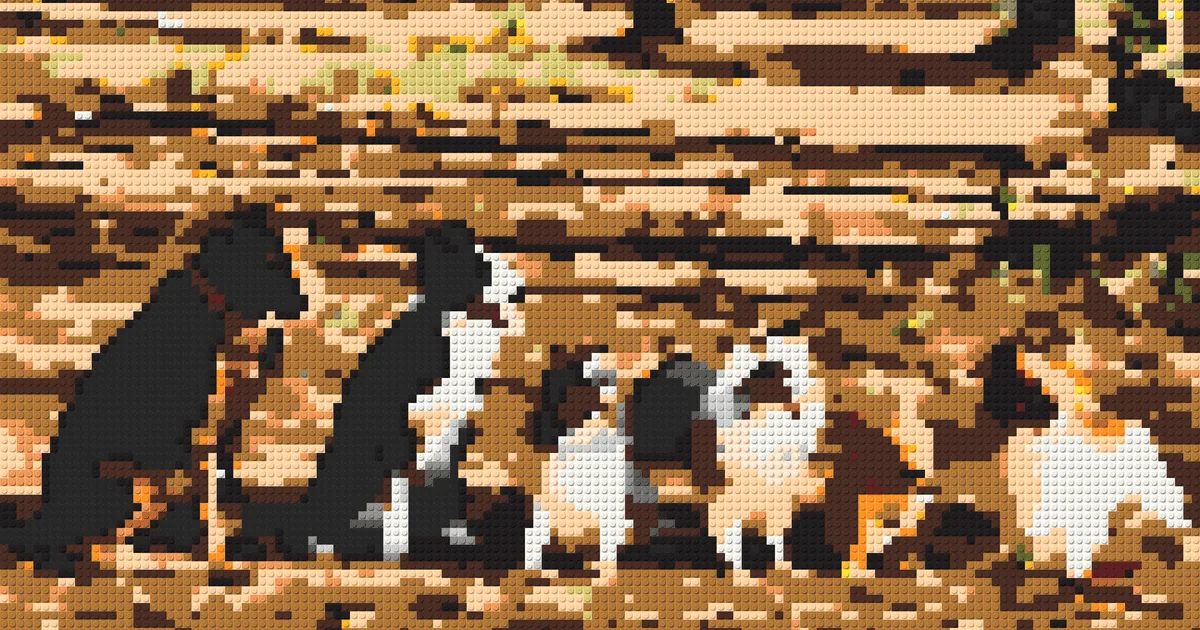
Photo Into a Brick Mosaic? Official Set, DIY, and Custom Kit — An Honest Comparison
Turning a photo into a brick mosaic to hang on your wall — there are three ways to do it, and the cost, difficulty, and result differ a lot. We make one of them ourselves, but this article lays out all three honestly, including each one's pitfalls.
Method 1: LEGO® official Mosaic Maker
The official route: a photo is turned into a mosaic portrait that you build from an official set.
The upside is the "genuine experience"; there are three limits: mostly black-and-white portraits (the most common community question is "can it do full color?" — the official answer is basically no); the digital experience needs a LEGO account; and it's hard to get in Taiwan — the relevant sets mostly come through proxy buyers and auction channels, with fluctuating prices.
Method 2: Design it yourself, source it yourself (BrickLink Studio route)

The advanced-hobbyist route: use tools like BrickLink Studio to turn a photo into a pixel design, then order the parts and build it yourself. There are even proxy-buying tutorials in Taiwan teaching this workflow.
Honestly, the barriers:
- Design: you tune the pixels and colors yourself, and deal with issues like skin tones going greenish
- Sourcing: gather thousands of parts per the design's bill of materials; out-of-stock colors mean waiting, and cross-border shipping is extra
- Time: from design to fully sourced, count it in weeks
Who it's for: brick hobbyists who enjoy the process. As a DIY project it's fascinating; as a "shortcut to a gift," it isn't.
Method 3: A custom kit — upload a photo, leave the rest to the system

The third route removes the hassle of the other two: you just provide the photo, and the design and sourcing are handled for you.
Take BrickNet as an example (yes, that's us):
- Upload a photo, free preview — AI maps the photo to 40+ brick colors and generates several designs, so you see the result before deciding to buy
- Full-color reproduction — skin tones, pet fur, and gradients are all preserved, which the grayscale route can't do
- The kit includes color-sorted bricks + numbered instructions + a baseplate; place by number and you're done, or add the assembly service
- Two sizes, 40cm / 50cm, from NT$2,500, free shipping in Taiwan and Hong Kong
- 8mm bricks, compatible with mainstream brick brands
Over 200 five-star reviews. For people who want the finished piece without running the whole process, this is the shortest path.
Three methods in one table
Official Mosaic Maker
- Color range
- Mostly grayscale
- What you do
- Get the set + build
- See the result first?
- No
- Time cost
- Depends on the channel
- Taiwan availability
- Mostly proxy buyers
Design & source yourself
- Color range
- Up to your skill
- What you do
- Design + source + build
- See the result first?
- Software preview
- Time cost
- Weeks
- Taiwan availability
- Cross-border parts orders
BrickNet custom kit
- Color range
- Full color, 40+ shades (AI matching)
- What you do
- Upload a photo + build (or assembly service)
- See the result first?
- Free preview of several designs
- Time cost
- Start online in 3 minutes
- Taiwan availability
- Taiwan brand, free TW/HK shipping
Frequently Asked Questions
Q: Can the official route do a full-color photo brick mosaic? A: The official Mosaic Maker is designed for grayscale portraits; for full color (pets, family, scenery photos), the practical options today are tuning the colors yourself in design software, or using a custom kit and letting AI handle it.
Q: Can someone who's never built bricks manage it? A: A custom kit comes with numbered instructions — just place cell by cell. If you'd rather not build at all, add the assembly service.
Q: Which method takes the least preparation time? A: A custom kit lets you upload a photo and preview designs immediately. DIY design and sourcing usually takes weeks; official-set timing depends on local availability.
See what your photo looks like as brick art first
LEGO® and BrickLink are trademarks of the LEGO Group, which does not sponsor, authorize, or endorse this site.